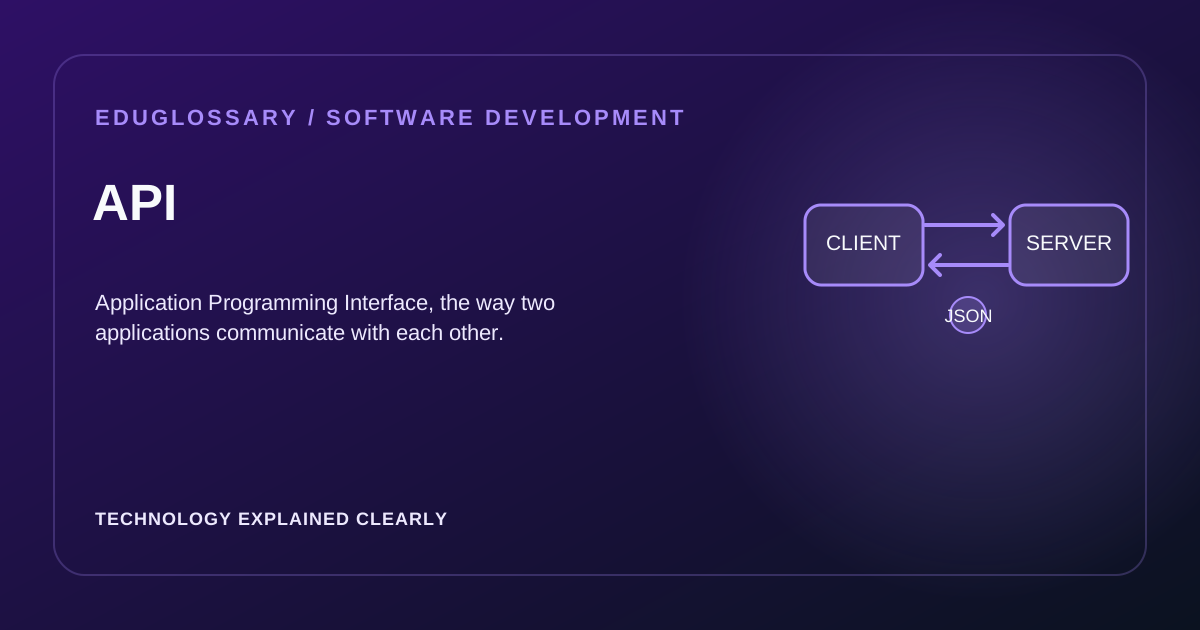
An API (Application Programming Interface) is a set of rules and protocols that enable one software application to communicate with another. APIs define the methods, data formats, and conventions that applications use to request and exchange information — without needing to know how the other side is implemented internally.
Think of an API as a waiter in a restaurant. You (the client) tell the waiter what you want, the waiter takes your order to the kitchen (the server), and the kitchen prepares your meal and sends it back through the waiter. You don’t need to know how the kitchen works — you just interact with the waiter using a standard process. APIs work the same way: they provide a standardized interface for applications to request services from each other.
How APIs Work
Most modern web APIs follow a request-response model over HTTP. A client (such as a browser or mobile app) sends a request to a specific URL — called an endpoint — including an HTTP method that describes the action. The server processes the request and returns a response, typically in JSON format.
A typical request might look like:
GET /api/articles/42 HTTP/1.1Host: example.comAuthorization: Bearer [token]And the response:
HTTP/1.1 200 OKContent-Type: application/json
{  "id": 42,  "title": "Introduction to APIs",  "status": "published",  "author": "Jane Doe"}
The API acts as a contract between the caller and the provider: as long as both sides follow the agreed format, the implementation details can change independently. This decoupling enables independent evolution of client and server systems.
Common HTTP Methods
APIs use standard HTTP methods to indicate what operation the client wants:
- GET — retrieves data. The most common method; should not change server state. GET requests are idempotent, meaning multiple identical requests should produce the same result.
- POST — sends data to create a new resource (e.g., submitting a form). The server typically generates the resource ID.
- PUT — replaces an entire resource with new data. If the resource doesn’t exist, it may be created.
- PATCH — partially updates an existing resource. Only the fields specified are changed.
- DELETE — removes a resource. Should be used cautiously as it’s typically irreversible.
Each method has specific semantics. Using them correctly makes APIs predictable and easier to integrate. RESTful APIs follow these conventions strictly, while other API styles may use different patterns.
Common Response Status Codes
When a server responds to an API request, it includes a status code indicating the outcome:
Success (2xx):
- 200 OK — the request succeeded.
- 201 Created — a new resource was successfully created.
- 204 No Content — the request succeeded but there’s no content to return.
Client Errors (4xx):
- 400 Bad Request — the client sent invalid data.
- 401 Unauthorized — authentication is missing or invalid.
- 403 Forbidden — the client is authenticated but not allowed to perform this action.
- 404 Not Found — the requested resource does not exist.
- 429 Too Many Requests — the client has exceeded the rate limit.
Server Errors (5xx):
- 500 Internal Server Error — something went wrong on the server side.
- 502 Bad Gateway — the server received an invalid response from upstream.
- 503 Service Unavailable — the server is temporarily unable to handle the request.
Understanding these codes helps developers diagnose issues quickly when integrating with APIs.
Popular API Types
- REST API — the most common style. Uses HTTP methods and stateless requests, with data typically in JSON format. Resources are identified by URLs. REST APIs are intuitive, cacheable, and widely supported.
- GraphQL — a query language developed by Meta where the client specifies exactly which fields it needs in a single request to a single endpoint. Useful when data needs are complex or vary between clients. Reduces over-fetching and under-fetching of data.
- WebSocket API — provides persistent, real-time, two-way communication between client and server. Common in chat applications, live dashboards, and multiplayer games. Unlike HTTP APIs, WebSockets maintain an open connection.
- gRPC — a high-performance RPC framework developed by Google that uses Protocol Buffers for serialization. Often used for communication between microservices due to its speed and efficiency.
- SOAP API — an older protocol using XML for message formatting. Still used in enterprise systems and financial services, though less common in modern web development.
How APIs Are Consumed
Developers interact with APIs through:
- Client libraries: Pre-built code for popular languages that handles authentication and request formatting
- SDKs (Software Development Kits): Comprehensive toolkits for integrating with specific services
- Direct HTTP requests: Using tools like fetch, axios, or curl for custom integrations
- API clients: Tools like Postman for testing and exploring APIs
Most APIs require authentication — typically via API keys, OAuth tokens, or JWT (JSON Web Tokens) — to identify the caller and control access. API keys are simple string identifiers, while OAuth provides more sophisticated authorization for user-specific data.
API Design Principles
Good API design follows several key principles:
Consistency: Use consistent naming conventions, error formats, and pagination patterns across all endpoints.
Documentation: Comprehensive documentation helps developers integrate quickly. Include examples, error codes, and rate limits.
Versioning: Plan for API evolution from the start. Version APIs to maintain backward compatibility while adding new features.
Error Handling: Return meaningful error messages with actionable information. Include error codes for programmatic handling.
Rate Limiting: Protect APIs from abuse by limiting request rates. Communicate limits through response headers.
Security: Implement proper authentication, authorization, and input validation. Never expose sensitive data in errors.
API Evolution and Versioning
APIs inevitably change over time. Managing these changes requires careful versioning strategies:
URL Versioning: Include version in the path (/v1/users, /v2/users). Most visible and cacheable.
Header Versioning: Use custom headers (Accept: application/vnd.myapi.v1+json). Keeps URLs clean.
Query Parameter Versioning: Add version as a parameter (?version=1). Easy to implement but less explicit.
Best practices for API evolution:
- Add new fields, don’t remove existing ones
- Make new fields optional initially
- Deprecate old features with advance notice
- Maintain multiple versions simultaneously during transitions
- Document breaking changes clearly
Real-World API Examples
Payment APIs: Stripe, PayPal, and Square provide APIs for processing payments, managing subscriptions, and handling refunds. These abstract complex financial operations into simple function calls.
Social Media APIs: Twitter, Facebook, and LinkedIn offer APIs for posting content, reading feeds, and managing user accounts. These enable third-party applications to integrate with social platforms.
Cloud Service APIs: AWS, Azure, and Google Cloud provide APIs for managing infrastructure, storage, and computing resources. These enable programmatic control of cloud resources.
Mapping APIs: Google Maps, Mapbox, and OpenStreetMap offer APIs for geocoding, routing, and displaying maps. These power location-based applications.
Communication APIs: Twilio, SendGrid, and AWS SNS provide APIs for SMS, email, and push notifications. These simplify integrating communication features.
API Testing and Debugging
Testing APIs involves several approaches:
- Unit testing: Testing individual endpoints in isolation
- Integration testing: Testing API interactions with dependent services
- Load testing: Testing API performance under stress
- Contract testing: Ensuring APIs meet their documented specifications
Tools like Postman, Insomnia, and curl help developers test APIs manually. Automated testing frameworks like Jest, Pytest, and Supertest enable programmatic API testing.
Frequently Asked Questions
What is the difference between an API and a library?
An API is a contract defining how software components communicate — it specifies what operations are available. A library is a collection of reusable code that implements functionality — it provides how those operations work. You call a library’s functions directly in your code; you call an API over a network (usually HTTP).
Do all APIs use REST?
No. REST is the most common architectural style for web APIs, but alternatives include GraphQL (flexible querying), gRPC (high-performance RPC), and WebSockets (real-time bidirectional communication). The best choice depends on your use case — REST for simple CRUD, GraphQL for complex data needs, gRPC for microservices.
What is an API key vs. OAuth?
An API key is a simple string identifier used to authenticate the calling application — easy to implement but less secure for user-specific data. OAuth is an authorization framework that lets users grant limited access to their data without sharing passwords — better for applications acting on behalf of users (e.g., “Log in with Google”).
How do I version an API?
Common approaches include URL versioning (/v1/users), header versioning (Accept: application/vnd.myapi.v1+json), or query parameter versioning (?version=1). URL versioning is most visible and cacheable; header versioning keeps URLs clean. Always maintain backward compatibility when possible — add new fields, don’t remove or change existing ones.
What is rate limiting and why does it matter?
Rate limiting restricts how many requests a client can make in a time window (e.g., 100 requests/minute). It protects APIs from abuse, ensures fair usage, and prevents server overload. Responses typically include headers like X-RateLimit-Limit and X-RateLimit-Remaining so clients can adjust their behavior.
What is the difference between synchronous and asynchronous APIs?
Synchronous APIs wait for a response before continuing. Asynchronous APIs return immediately and notify the caller when the result is ready (via callbacks, promises, or webhooks). Asynchronous APIs are better for long-running operations but add complexity.
For a comprehensive beginner guide: What is an API? A Complete Beginner’s Guide For REST-specific details: REST API For broader context: Software Development hub
Security boundaries in an API integration
An API is a contract, but a contract does not automatically make a service secure. Every endpoint that reads or changes data must authenticate the caller where required and authorize access to the specific object and action. Checking that a user is signed in is not enough if the caller can change an identifier in the URL and retrieve another user’s record. This class of failure is often called broken object-level authorization. Test permissions with multiple accounts and roles.
Treat incoming data as untrusted. Validate type, length, allowed values, and relationships on the server; reject unexpected fields when practical; and apply sensible request-size and rate limits. Never place long-lived secret keys in browser or mobile application bundles because users can inspect those clients. Use the authentication approach appropriate to the trust relationship, such as a server-held API key for a private service integration or an established OAuth flow for delegated user access.
Compatibility and operations
An API can be technically valid but difficult to operate if the contract is unclear. Document required fields, optional fields, null behavior, pagination, rate limits, error formats, authentication, and deprecation policy. Avoid silently changing the meaning of an existing field. Additive changes are often easier for clients to adopt, but even adding a required response assumption can break consumers that validate schemas strictly. Use automated contract tests and monitor the clients that depend on the service.
Measure latency and failures by endpoint and dependency, and avoid logging tokens or sensitive payloads. For a client integration, design bounded retries with backoff and handle timeouts explicitly. A timeout does not prove the server did not perform the operation, so state-changing requests need a defined retry strategy. Good API design makes expected behavior clear in success paths, errors, and partial failures.